DP75 Digital Microscope Camera
The DP75 digital microscope camera delivers sharp, low-noise inspection images. Multiple-axis color correction technology, LCD color filters, and other applications. Frame rate of 22 fps at over 4k resolution and 60 fps at full HD resolution. Pixel shifting makes it possible to capture high-resolution images even at low magnification with a maximum resolution of 8192 × 6000.
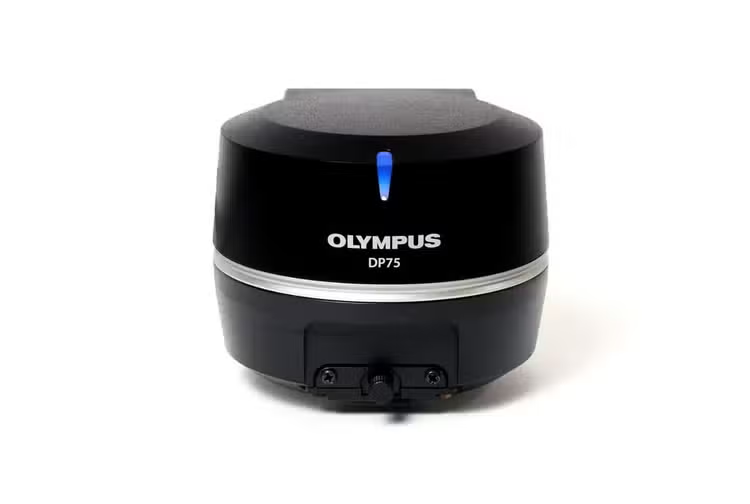
One Camera. Multiple Applications.
The DP75 digital microscope camera is a high-performance, multi-application imaging tool that makes it easy to capture high-resolution brightfield or fluorescence images using a single camera. It simplifies your microscopy imaging, so you can focus more on your work.
Sharper Microscopy Images, Clearer Insights
The DP75 camera makes it easier than ever to capture sharp, low-noise images. Its exceptional color reproduction makes your images as vivid as looking through the microscope oculars.
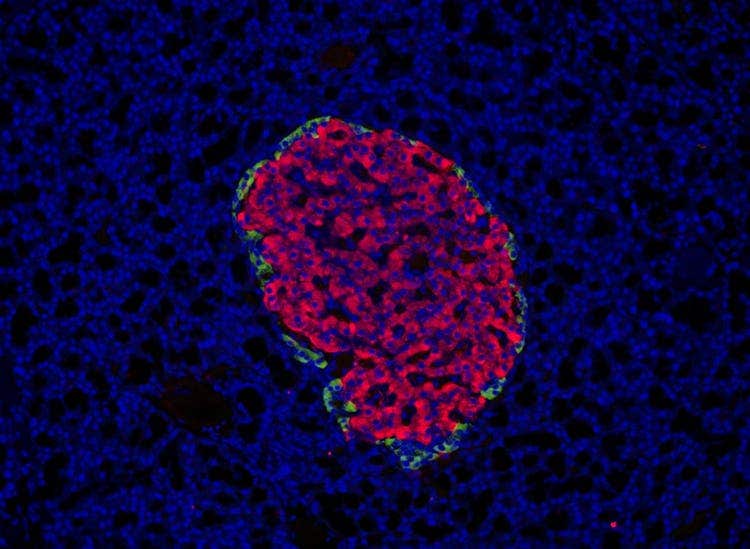
Rat Pancreas. Stain: DAPI AF555 Cy5
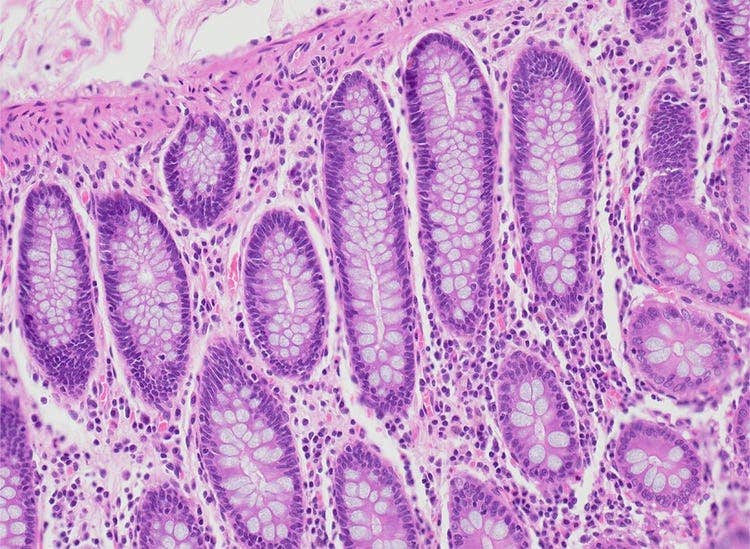
Colon. Stain: HE
Infrared Fluorescence Imaging
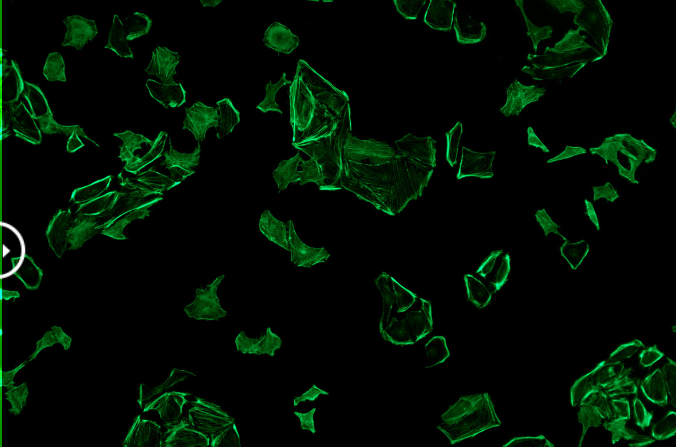
The DP75 camera supports multiple staining combinations and wavelengths up to 1000 nm with a switchable infrared (IR) cut filter. This setup enables you to—for example—check your sample conditions with your standard widefield microscope before spending time on a confocal microscope to finalize your imaging.
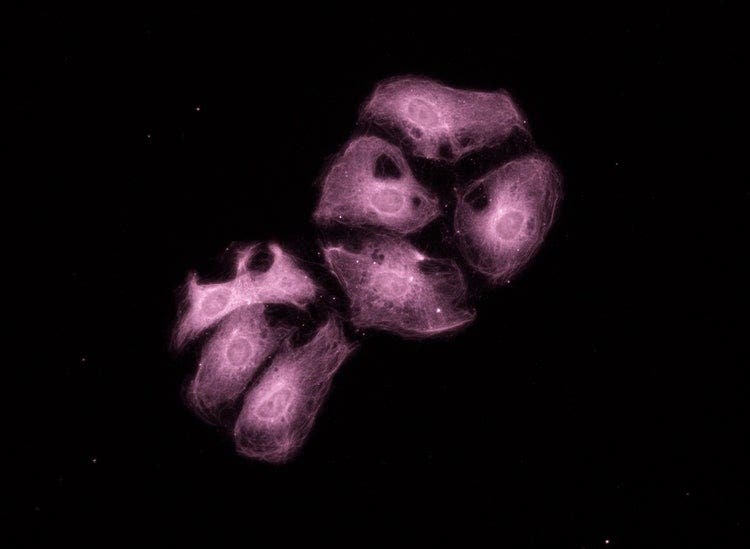
Ptk2. Stain: Cy7
Qualitative Analysis Capabilities
Dive deeper with the camera’s advanced analysis capabilities.
- Linear mode enables relative intensity evaluation on a fluorescence image so that you can quantitatively compare the intensity of fluorescence expressions.
- Easily overlay fluorescence and brightfield images with pixel precision since you are using the same sensor for brightfield and fluorescence. Precisely identify the location of fluorescent expression, helping you focus on the relevant morphology and localization of your specimen.
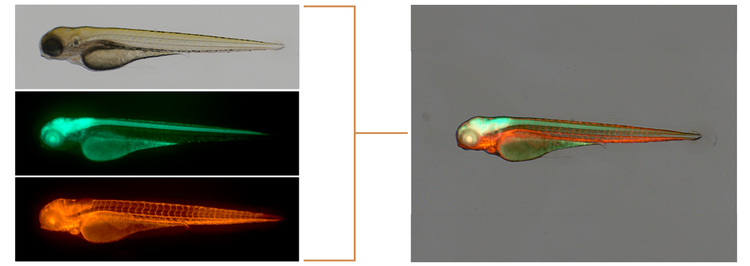
Image provided by Dr. Hiroyuki Nakajima, National Cerebral and Cardiovascular Center
Smart Observation Detection
The AI-based scene detection feature automatically recognizes five observation methods (brightfield, fluorescence, phase contrast, differential interference contrast, and polarization), enabling anyone to obtain high-quality images with minimal training.
The DP75 is not for clinical diagnostic use.
Applied Technologies
Fast Frame Rate
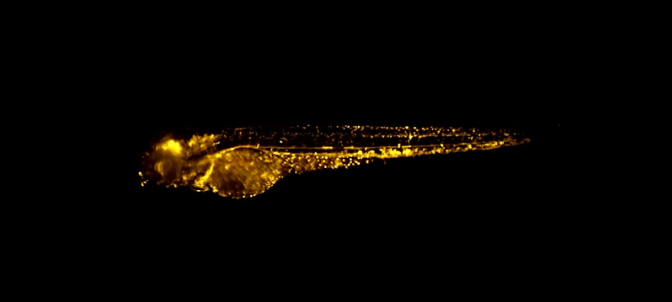
When imaging live specimens, a fast frame rate is important for efficiency and capturing the dynamics of your samples. With a fast frame rate of 22 frames per second (fps) at over 4K resolution and 60 fps at full HD resolution, the camera provides smooth, fast, live images for easy framing and comfortable live observation.
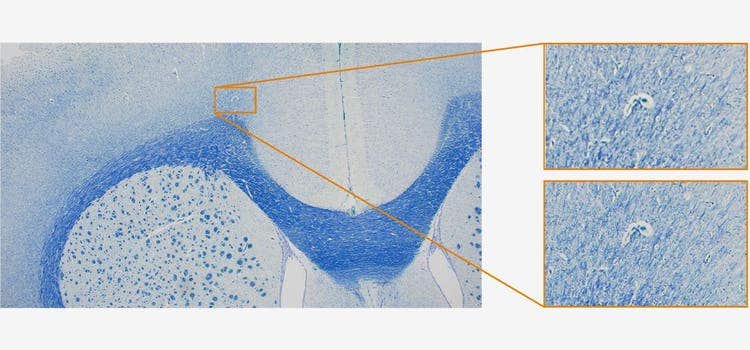
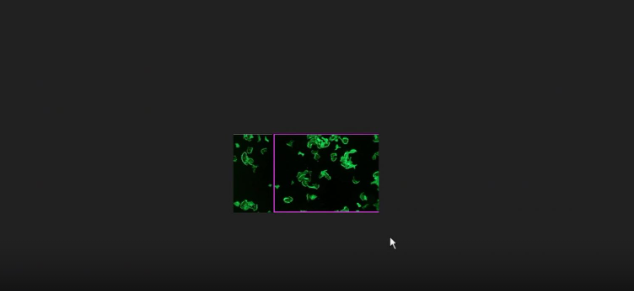
Top right: Without pixel shift / Bottom right: With pixel shift
High-Resolution, Wide Field of View Imaging
The camera's wide field of view capabilities enable you to find your target areas quickly, making your research more efficient. The DP75 camera also enables you to capture high-resolution images even at low magnification with a maximum resolution of 8192 × 6000 through pixel shifting modes.
Multiple Image Alignment (MIA) Capabilities
The instant multiple image alignment (MIA) function simplifies the creation of wide-area images by moving the XY stage manually without any motorized setup, and the integrated position navigator helps ensure that you always know your position on the sample during brightfield and fluorescence imaging.
Flexible Upgrades
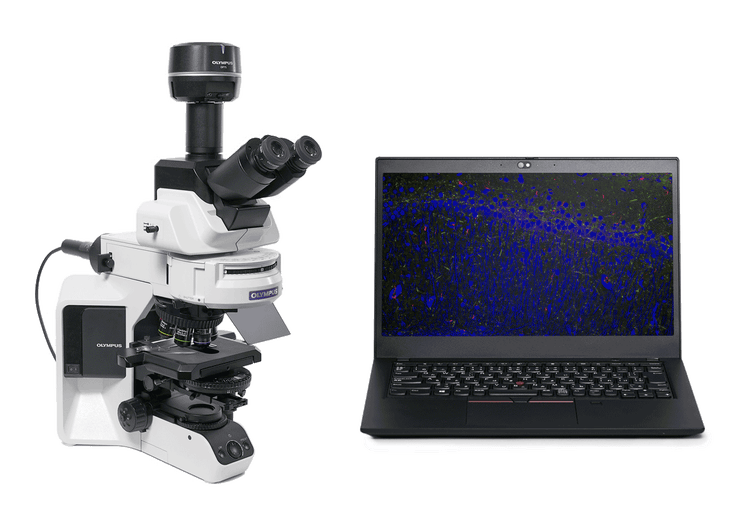
Since the DP75 camera uses USB 3.1 Gen2, it is compatible with most PCs for a simple, effective upgrade to your current system.
The DP75 is not for clinical diagnostic use.
Specifications
Cooling system: Peltier device (active cooling)
- 1.1 inch 12.37 megapixel color CMOS image sensor, global shutter
4096 x 3000 (3CMOS mode)
4096 x 3000 (1x1)
3840 x 2160 (1x1) (by cropped)
2048 x 1500 (2x2)
2048 x 1500 (1x1)
1920 x 1080 (1x1)
ROI
(ISO 100 / 200 / 400 / 800 / 1600 / 3200 equivalent)
- 2 × 2
Adjustment: ±2.0 EV step: 1/3 EV
Time: 28 μs - 120 s
Max. 22 fps at 2048 × 1500 (2 × 2)
Max. 44 fps at 2048 × 1500 (1 × 1)
Max. 60 fps at 1920 × 1080 (1 × 1, Full HD)
4096 x 3000 (3CMOS Mode) :approx. 2 s
4096 x 3000 (1x1):approx. 1.2 s
2048 x 1500 (2x2) :approx. 1.0 s
2048 x 1500 (1x1) :approx. 0.4 s
1920 x 1080 (1x1) :approx. 0.4 s
In: 400 nm - up to 650 nm
Out: 400 nm - up to 1000 nm
( Supporting fluorescence as well as brightfield ) *3*4
(Supporting scene : brightfield, fluorescence, phase contrast, differential interference contrast, and polarization) *4
DP2-TWAIN Ver 10.5 or later
Windows11 Pro(64-bit)
RAM: 8 GB or more(recommended 16 GB or more)
PC I/F: USB 3.1 Gen2(TypeA) (a dedicated board is unnecessary) *5
- Camera interface cable: Approx. 2.7 m
- AC adaptor: 107 (W) x 47 (D) x 30 (H) mm / Approx .0.3 kg
- Controller: 384(W)×308(D)×100(H)mm
*1 Frame rate may decrease depending on the condition of your PC, monitor resolution, and/or software.
*2 Monitor designed to meet Adobe RGB is required.
*3 Manual Process option license is required for cellSens Standard.
*4 Not available in the combination of cellSens Entry or DP2-TWAIN.
*5 Operatable with USB3.1 Gen1 (5 Gbps), but framerate is decreased.
List of compatible PCs for DP75
* These were tested using cellSens software.
✔: Available, -: indicates that the operation in combination with PC is not confirmed yet.
TestedPC
Colspan=4
Result
Colspan=8
Desktop
Rowspan=2
Laptop
Rowspan=3
*1: DP73 and DP80 do not support the Kernel DMA Protection function of Windows10 and Windows11.
When using DP73 or DP80 on Windows10 and Windows11, disable Kernel DMA Protection in [BIOS Settings] on your PC before use.
Kernel DMA Protection (The procedure to check the status of Kernel DMA Protection is included.)
https://docs.microsoft.com/en-us/windows/security/information-protection/kernel-dma-protection-for-thunderbolt
How to disable Kernel DMA Protection (When using HP EliteDesk 800 G6 TWR, the setting procedure differs depending on the manufacturer and model. For other PCs, please contact respective manufacturer.)
- Start the system.
- Press the [ESC] key or the [F10] key immediately after starting the system. Startup Menu appears. (If you press the [F10] key, the [BIOS settings] window appears. Go to Step 4.)
- Press [BIOS Setup] (F10).
- Select [System Options] in [Advanced].
- Uncheck the [DMA protection] checkbox.
- Press the [F10] key to save the settings and exit the system. When "Save Changes?" appears, select "Yes".
* All brand names and product names are registered trademarks of their respective companies.
* The results described above do not provide any guarantees on the operation.
* When using the above notebook PC in combination with DP75, USB Type A to C conversion adapter compatible with USB3.1 Gen2 is required.