LC35 Digital Microscope Camera
The LC35 digital microscope camera balances image quality with affordability to deliver an excellent value for standard brightfield imaging applications. As a complimentary component to our microscopes, the LC35 camera benefits from the ease of use our camera software is known for with seamless support and upgradeability to use with Olympus microscope systems.
*not available in Japan.
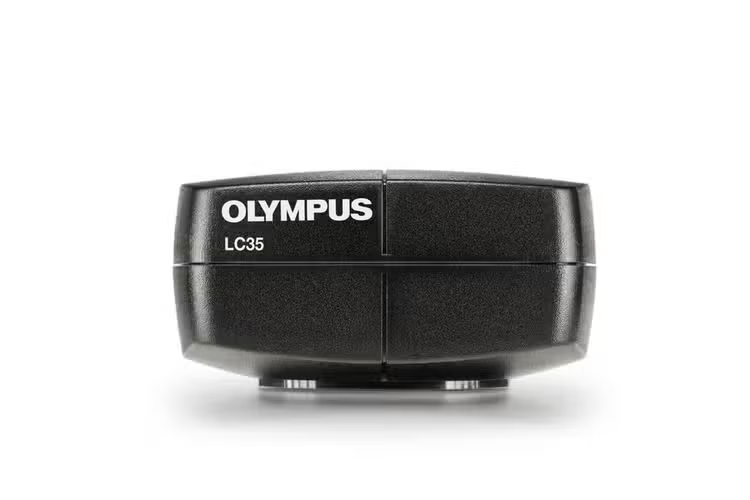
LC35 Microscope Digital Camera
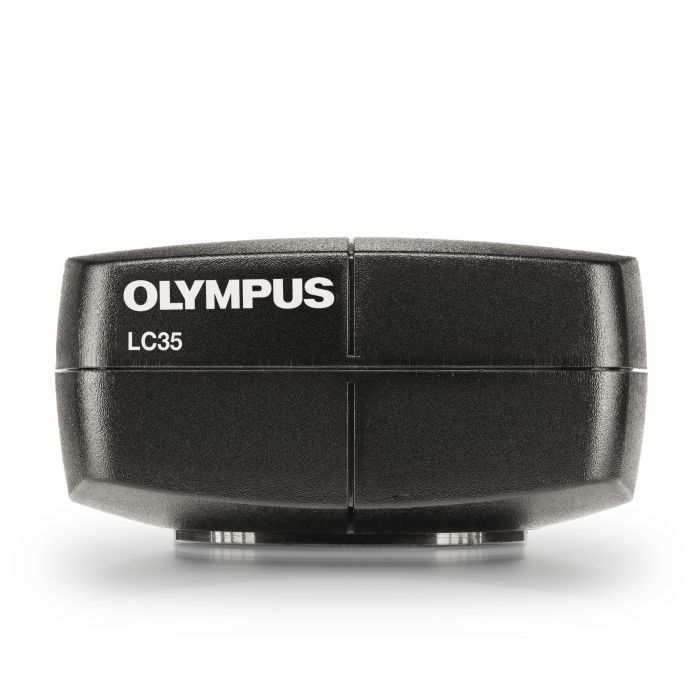
Cost-Effective Brightfield Microscope Camera
The LC35 digital microscope camera balances image quality with affordability to deliver an excellent value for standard brightfield imaging applications. As a complimentary component to our microscopes, the LC35 camera benefits from the ease of use our camera software is known for with seamless support and upgradeability to use with Olympus microscope systems.
Affordable Brightfield Imaging
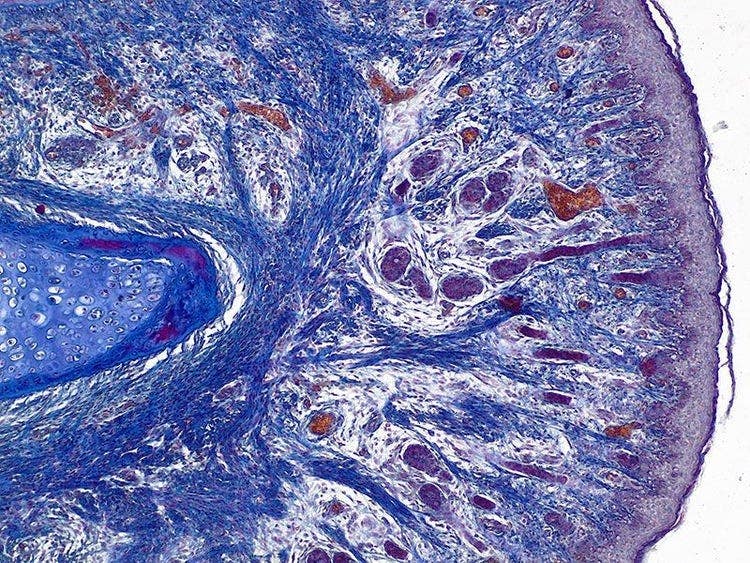
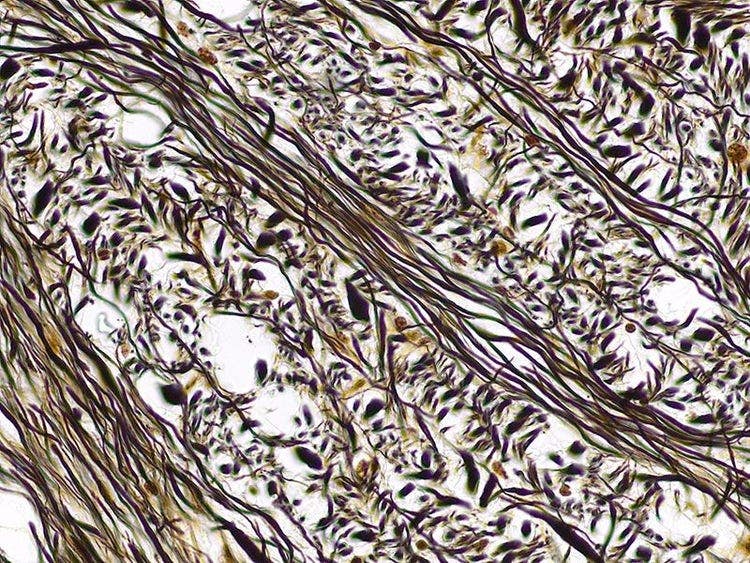
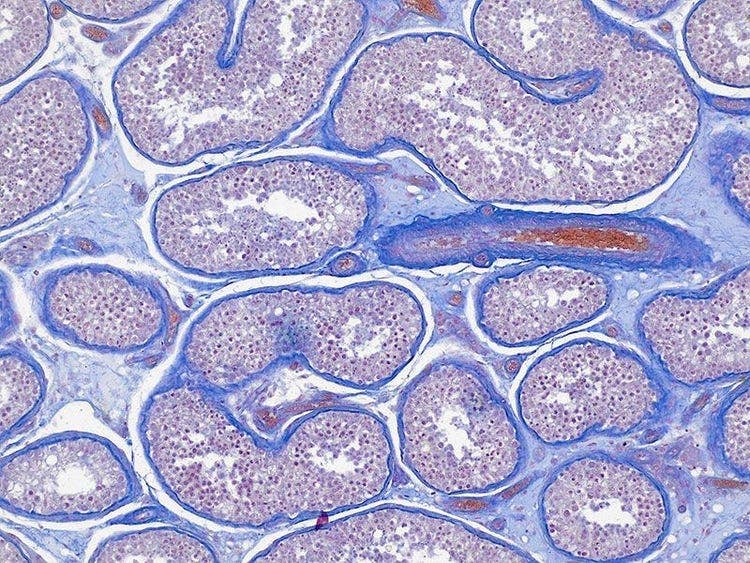
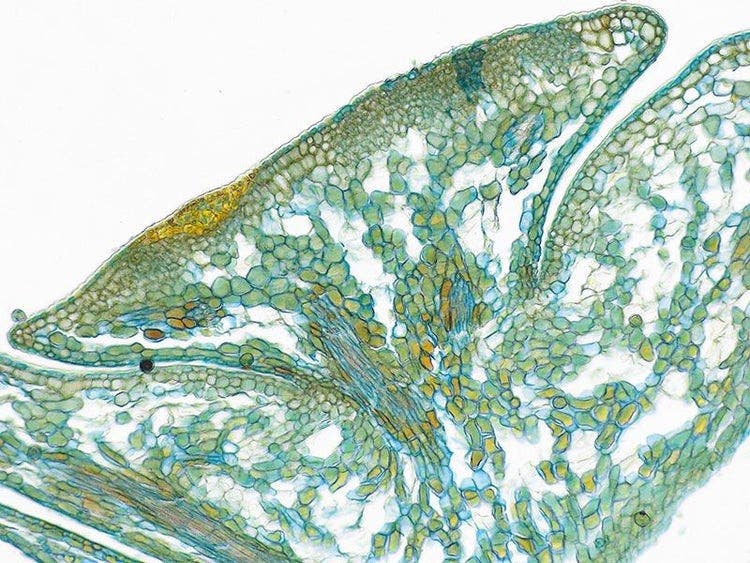
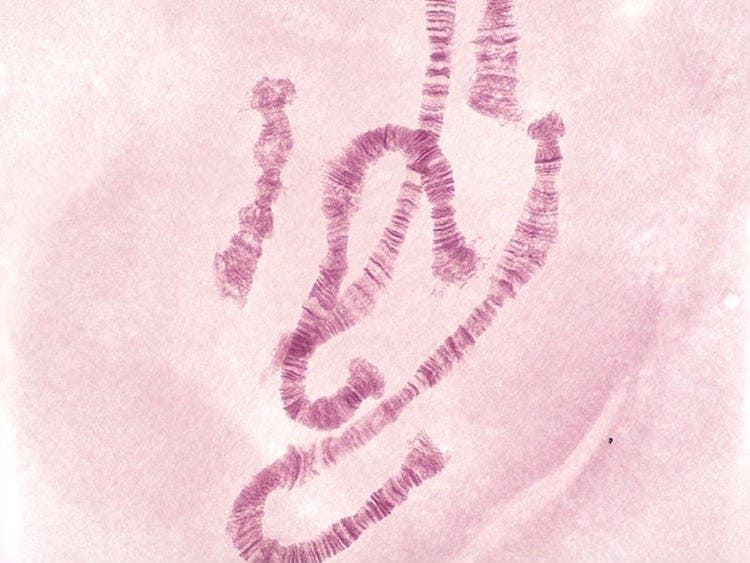
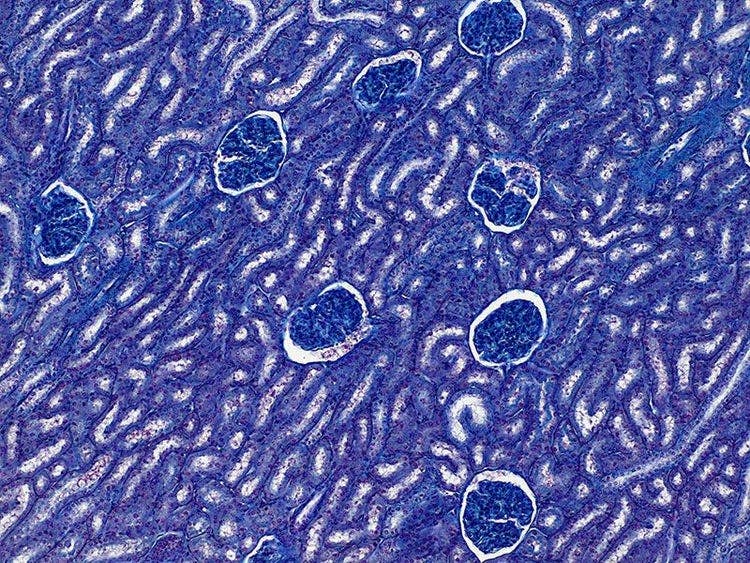
Capture detailed brightfield images for routine imaging, inspection, and documentation.
- 3.5-megapixel CMOS sensor
- Flexible to use with a range of samples under different observation conditions thanks to versatile exposure times and resolution modes
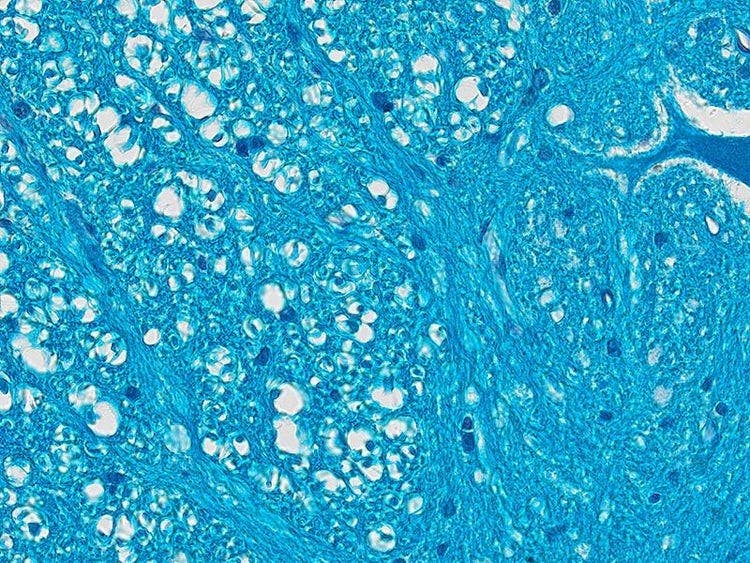
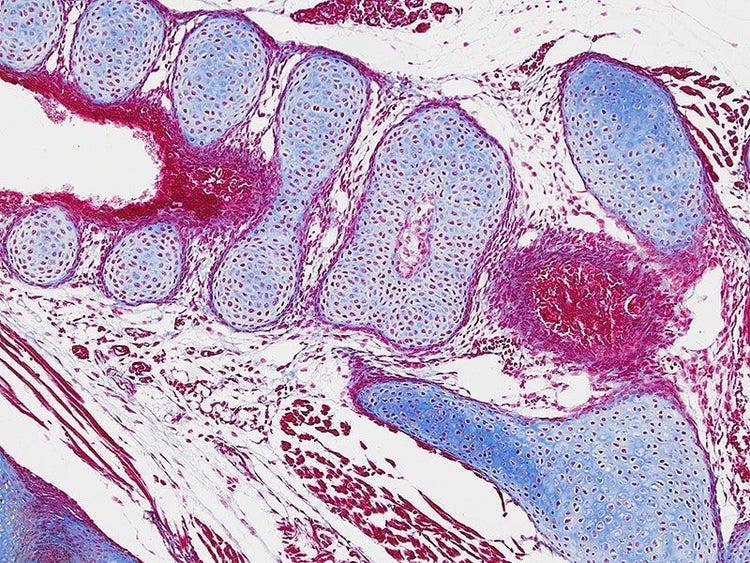
- Displays your samples in their natural color tones, reducing the need for post-image-capture corrections
- Navigate around your sample quickly and easily with an up to 40 fps frame rate to achieve precise focusing and fast image capture
Seamless Support for Olympus Imaging Systems
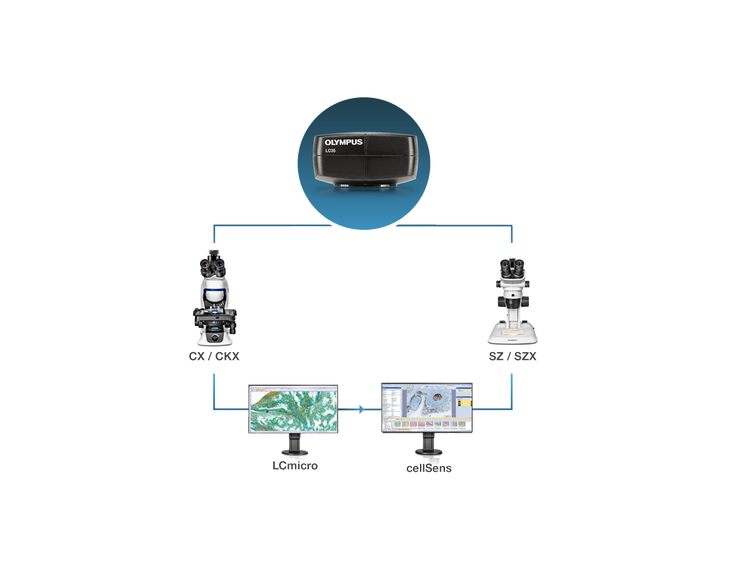
The LC35 microscope camera integrates easily with Olympus imaging systems, including full microscope set up assistance, software support, and optical compatibility.
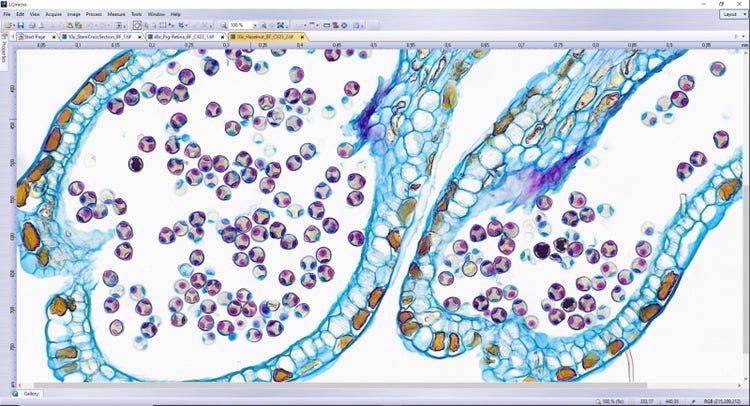
- Control the camera using our free LCmicro software for basic imaging and documentation
- For advanced image acquisition and analysis, use the camera with cellSens software
Simple to Set Up and Start Using
Setting up the LC35 camera is simple. A single USB 3.1 cord enables a fast connection to your PC or laptop for power and high-speed data transfer—no AC adaptor is required. The camera can quickly be mounted to any light microscope using different C-mount adaptors.
When using the camera, the intuitive software makes it easy for users of any experience level to begin capturing images right away. With only a little training, you’ll quickly be able to use the camera to its full potential, including interactive measurements, commenting on images, archiving, and creating reports.
Specifications
Resolution (max.)
Rowspan=3
Live Frame Rates*
Rowspan=3
RAM: 8 GB
Recommended:
4 or more physical CPU cores
8 GB RAM (dual channel)
cellSens Entry, Standard, and Dimension v. 3.2 or higher**
DP2-TWAIN
*Frame rate may decrease depending on the condition of your PC, monitor resolution, and/or software.
**Service update for cellSens v. 3.2 required