SZX-AR1
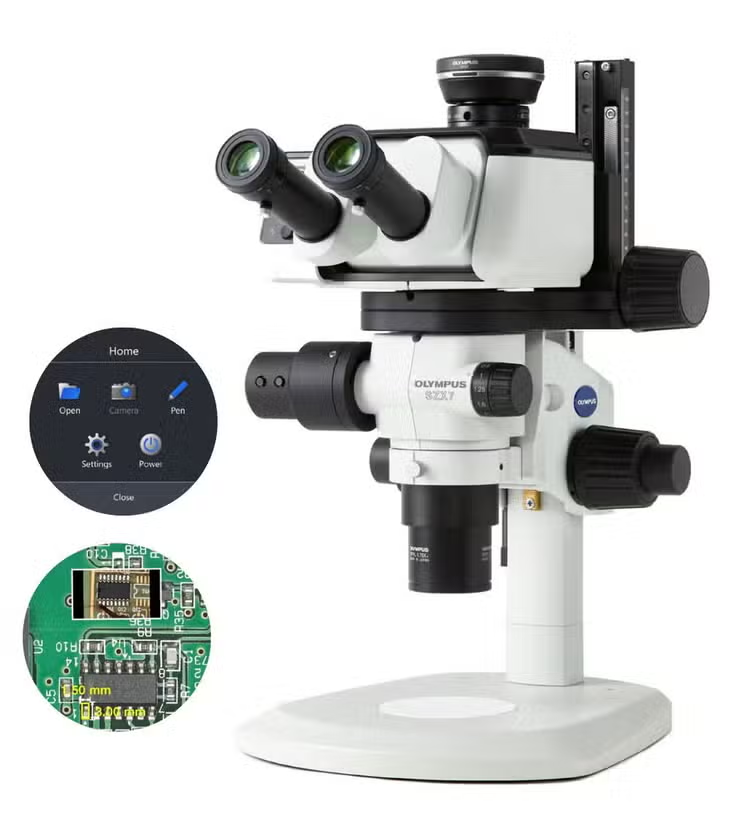
The AR1 microscope system enables you to overlay text and digital images over your microscope's field of view, making it easy to follow directions, read notes, and even watch videos without removing your eyes from the eyepieces. The AR1 module works with Evident SZX stereo microscopes, turning them into augmented reality tools that improve the speed and efficiency of your microscope-based manufacturing tasks and training.
-
Software Downloads:
SZX-AR1
SZX-AR1 Augmented Reality Microscope System
Simplify ComplexMicroscope-Based Manufacturing Tasks
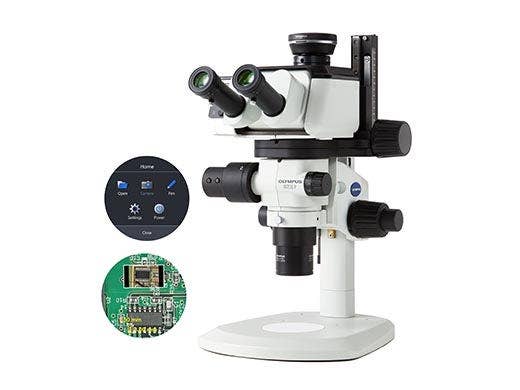
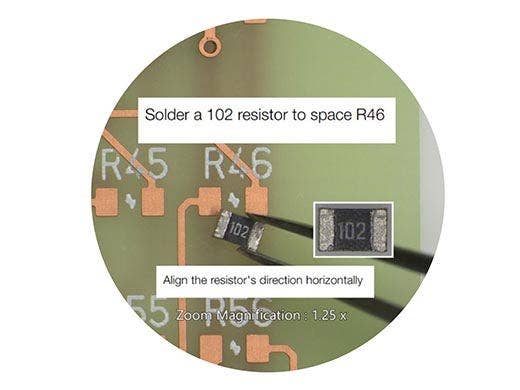
The AR1 microscope system enables you to overlay text and digital images over your microscope's field of view, making it easy to follow directions, read notes, and even watch videos without removing your eyes from the eyepieces.
The AR1 module works with Olympus SZX stereo microscopes, turning them into augmented reality tools that improve the speed and efficiency of your microscope-based manufacturing tasks and training.
Faster, More Efficient Medical Device Manufacturing
Reduce the Risk of Human Error
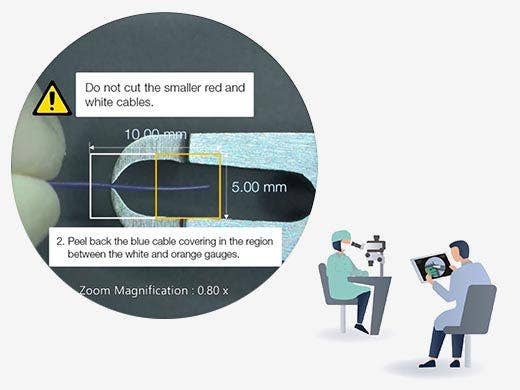
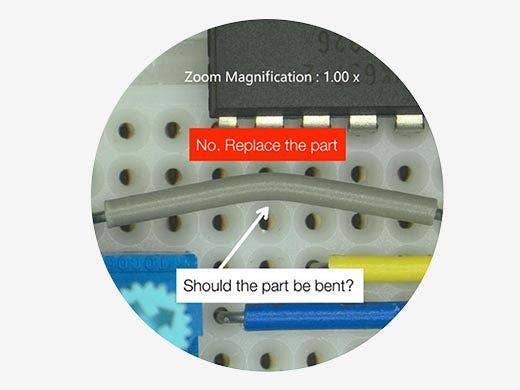
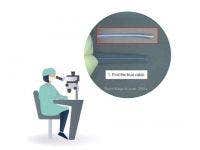
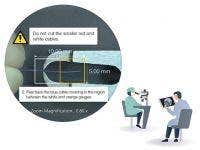
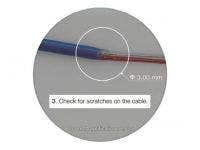
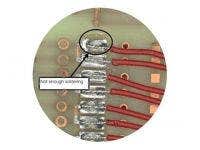
During complex manufacturing tasks, the AR1 microscope module can help assemblers complete their work with fewer mistakes with the ability to project helpful material in the microscope's field of view, including:
- Images
- Videos
- Digital reticle
- Zoom-linked measurement gauge
- Notes
This projection technology can reduce the chance of memorization errors and enable the operator to remain more comfortable while they're working, since they can stay focused on their task instead of repeatedly having to look away.
Keep Your Manufacturing Line Moving
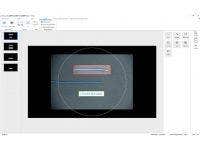
Simple-to-use AR1 software makes it easy for production engineers to quickly set up the program the operator will use during the assembly, making the system easy to onboard and integrate into your manufacturing process.
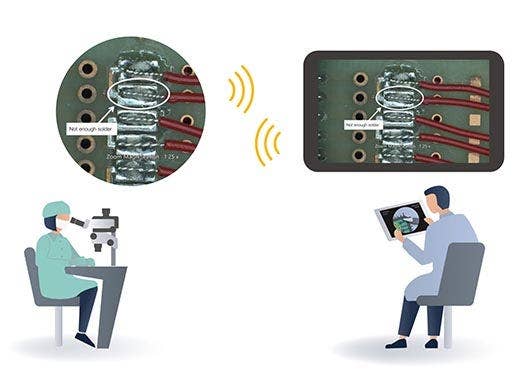
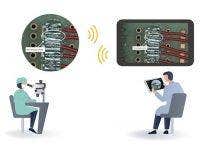
- Use with third-party collaboration software—like Microsoft Teams—to enable an offsite manager or engineer to view the microscope's field of view to provide remote guidance
- An offsite manager can guide the assembler in real time to overcome problems quickly
- Image and video recording features make documentation fast and simple
Train New Manufacturing Employees Fast
Efficient Microscope-Based Assembly Training
The AR1 system makes your training more efficient and flexible.
- An instructor can teach a new employee about each step of the assembly process and show how components should look when they're properly assembled
- A trainee can receive training while they keep their eyes on the eyepieces, enabling them to stay focused
Training without Travel
If trainers need to travel to different locations, this adds time and cost to the process. The AR1 system can eliminate travel expenses, saving time and money.
- Trainers can work remotely without having to travel
- Use video recordings to train new employees rather than a live trainer
Compatible with Existing Stereo Microscopes
Minimal Effort and Cost to Onboard
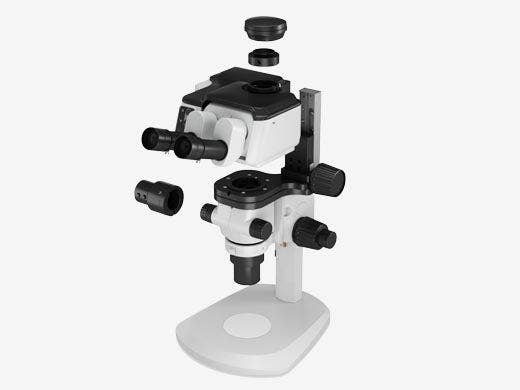
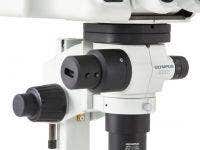
The AR1 system easily attaches to most SZX stereo microscopes. Replace the tilting trinocular, and the SZX-AR1 module mounts directly to the system.
Stay Comfortable while Working
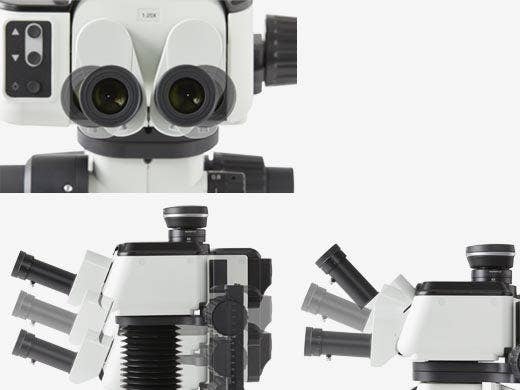
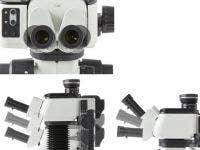
Evident offers a variety of ergonomic components for stereo microscopes that enable you to remain comfortable while you work. When the AR1 unit’s ergonomic tilting trinocular is combined with an Evident extendable eyepoint adjuster, you can maintain a comfortable, natural posture.
Key Features
Efficient Microscope-Based Production and Training
The AR1 augmented reality microscope system improves the efficiency of your production line and user training.
Production Line

Training
Specifications
Hardware
Angle of observation tube: 5 to 45 degrees
Interpupillary distance adjustment range: 57 to 80 mm
Equipped with eyepiece clamping knob
Light-path switching mechanism: none
Eyepiece magnification: 1.25X; camera magnification: 1X
Functions of buttons on the front panel: AR image brightness adjustment (7 levels) and AR image ON/OFF
Input connectors: HDMI x 1, USB 2.0 (Type-C) x 1, DC jack x 1
Drive voltage: AC 100–240 V (AC adaptor)
Maximum power consumption: 10 W
Main Functions:
(a) Set the zoom magnification (at click positions only)
(b) Move slides created on the software forward and backward
Output connector: USB 2.0 Type-C
Ambient temperature: 10 °C to 35 °C (50 °F to 95 °F)
Relative humidity: 20 to 85%
Supply voltage fluctuation: ±10%
Pollution degree: 2 (in accordance with IEC60664-1)
Installation/overvoltage category: II (in accordance with IEC60664-1)
Stand tilt: ±3° or less
Indoor use
Altitude: max. 2000 meters (6562 ft)
Temperature: 5 °C to 40 °C (41 °F to 104 °F)
Relative humidity: 20 to 80% (31 °C (87.8 °F) or less) (without condensation)
If over 31 °C (87.8 °F), the relative humidity in the operating environment must be decreased linearly to 70% at 34 °C (93.2 °F), 60% at 37 °C (98.6 °F), and 50% at 40 °C (104 °F)
Software
Exposure control: switching between auto and manual
ISO sensitivity adjustment: ISO100, 200, 400
White balance adjustment function: equipped (one-touch adjustment)
Snapshot acquisition
File saving formats: BMP, JPEG, PNG
Resolution: DP23: 3088 × 2076
DP28 :4104 × 2174
The camera image can be saved with the AR image simultaneously
Recording
File saving formats: mp4, mov; Video codec: H264
Audio format: MP3; Audio codec: mp3
Resolution: DP23: 1920 × 1080 (camera image range: 1600 × 1080)
DP28: 1920 × 1080 (camera image range: 1920 × 1080)
Video cannot be recorded out of the camera image range
The camera image can be saved with the AR image simultaneously
*The recording time is approximately one hour
The SZX-AR1 software can generate a QR code linked to the procedure.
The QR code can be scanned with a barcode reader to recall the procedure in the eyepiece field of view.
Compatible barcode reader
COM communication is available.
A QR code can be loaded
Output barcode: QR code
PC requirements
- The PC used with this system should conform to IEC/EN60950-1 or IEC/EN62368-1
- The system requirements for the PC used with this system are listed below; even if the PC is used in the recommended operating environment, it does not guarantee that all functions will work on all commercially-available PCs.
Windows 10 IoT Enterprise LTSC (64-bit)
Windows 11 Pro (64-bit)
Windows 11 Pro for Workstations (64-bit)
10th Gen Intel® Core™ i5 or later (or equivalent)
(Recommended core: 4 or more, clock frequency: 3.2 GHz)
USB 2.0 Type-A x1 (for connecting to the AR tilting trinocular tube)
USB 2.0 Type-A x1 (for the zoom magnification sensor)
USB 3.1 Type-A x1 (for a DP23 and DP28 camera)
HDMI x1 (for connecting to the AR tilting trinocular tube)
HDMI 1.4 or more
HDMI connector: Type-A