Net Image Server SQL
Whole Slide Scanner Solutions
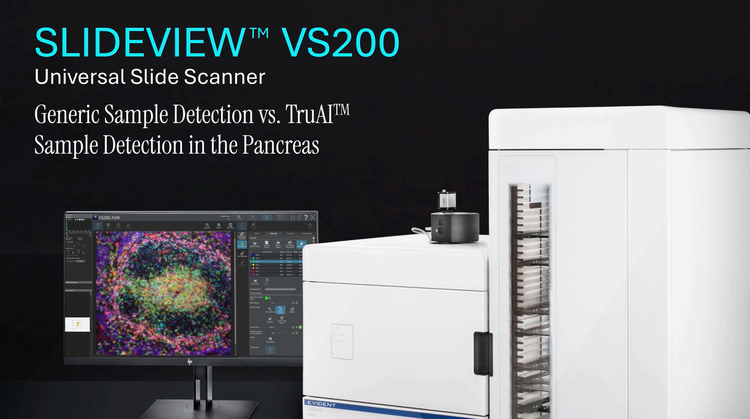
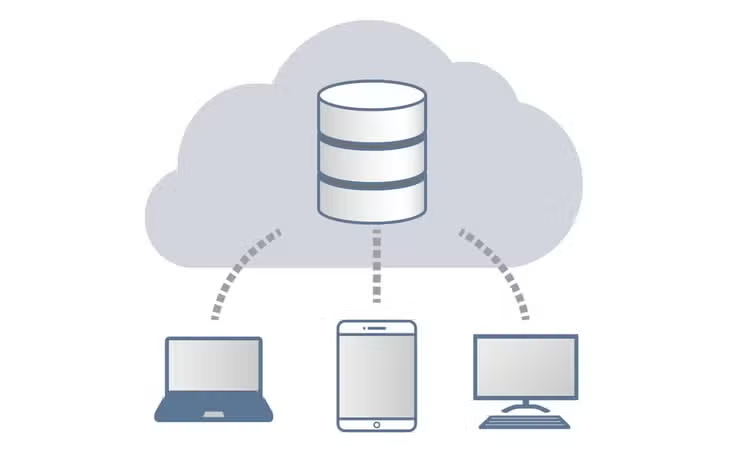
Net Image Server (NIS) SQL is an optional image access and storage solution for the SLIDEVIEW VS200 research slide scanner. This database enables seamless remote collaboration on whole slide images for research and education. Even with large amounts of virtual microscopy data and multiple users, workflows run efficiently with exceptional data security. Combine the NIS SQL database with our free OlyVIA Web image viewer to easily share, view, and annotate virtual slides on any platform with an Internet browser.
Net Image Server SQL Whole Slide Scanner Solutions
Quickly Store and Access Whole Slide Images
Net Image Server (NIS) SQL is an optional image access and storage solution for the SLIDEVIEW™ VS200 universal slide scanner.
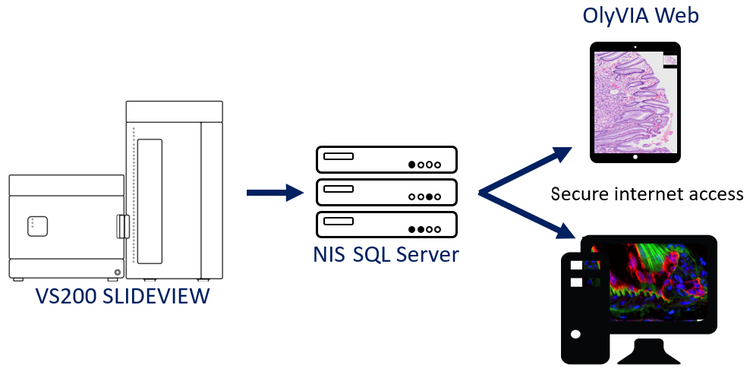
- Scanned virtual slides can be automatically uploaded to the database for immediate remote access
- Supports many common file formats, including TIFF, JPEG, PDFs, and Microsoft Word, Excel, and PowerPoint documents
- Manage individual user access to virtual slides and other documents
- Caching mechanism provides fast image and document access
Customize Your Virtual Microscopy Database
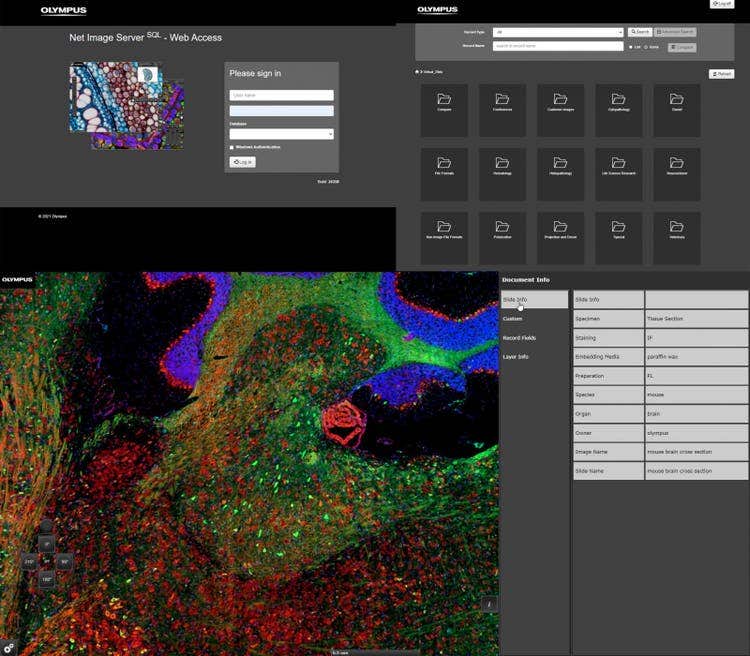
A database template for research applications, customized database fields, and a user-defined database structure offer flexibility. Editable metadata fields can store data such as tissue name, staining method, organ name, system, instructor name, and other descriptive keywords. This data can help you quickly find and identify relevant virtual slides from the database for your research or lessons.
Secure Virtual Microscopy Database with Password-Protected Access
The Net Image Server SQL uses HTTPS for secure communication over computer networks and supports multiple file repository locations. This enables easy and secure networking between different scanning units, all within a single database.
For example, the VS200 scanner facilitates a quick, easy upload of whole slide images to educational institutes’ websites. Students can log on and access these virtual slides via fast intra-networks with integrated security settings, giving them controlled access to image collections and related data.
Anywhere, Anytime Web Access to Whole Slide Images
When the Net Image Server SQL database is combined with our free OlyVIA Web image viewer, you can access, view, and annotate whole slide images from any mobile device, tablet, or computer with an Internet browser.
- Works on any platform: run the OlyVIA Web image viewer on Windows, macOS, Android, iOS, or Linux; a dedicated OlyVIA Desktop app is also available for Windows PCs
- Collaborate with multiple users: review the same virtual slide and control the position and magnification individually, as if it were a glass slide
- View up to 4 images at once for side-by-side virtual slide comparisons
- Write notes or take measurements directly on virtual slides
Specifications
SPECIFICATIONS
colspan=3
Microsoft SQL Express version 2025 (installed with setup) or MSSQL version 2022
Also support ( but not automatically installed: Microsoft SQL Express version 2025 (installed with setup) or MSSQL version 2022
(customizable based on customer's budget and requirements)
12G SAS 15K RPM
12G SAS 10K RPM
6G SATA 7.2K RPM
Resources
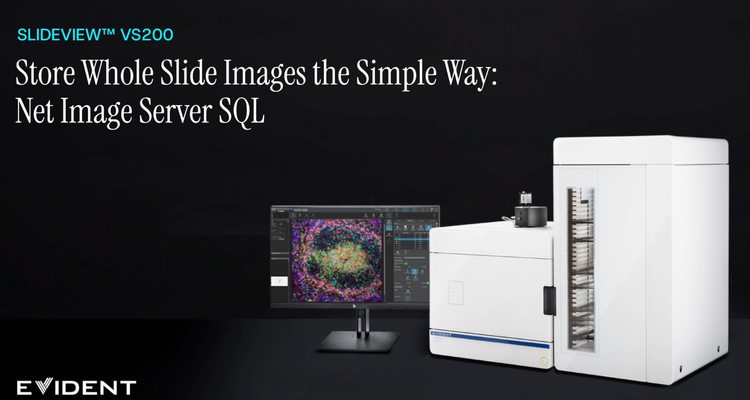
Store Whole Slide Images the Simpler Way: Net Image Server SQL
https://adobeassets.evidentscientific.com/content/dam/mis/vs200/videos/slideview_dula.mp4
SLIDEVIEW™ VS200 Overview

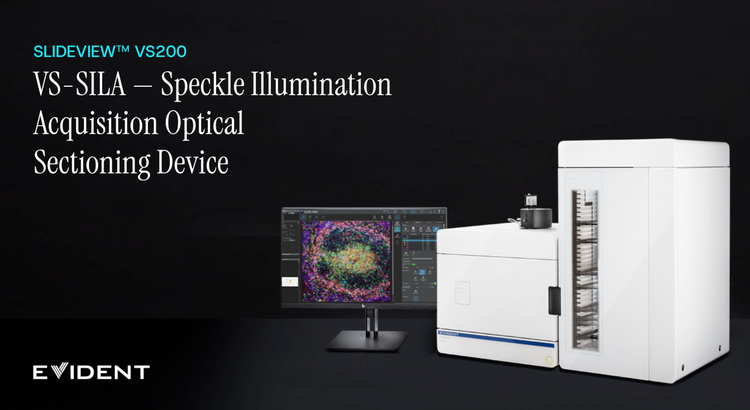
VS-SILA Optical Sectioning Device
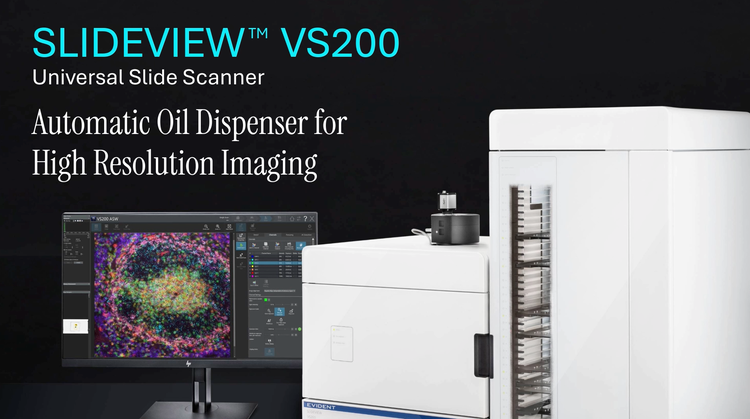
Automatic Oil Dispenser for High-Resolution Imaging
Generic Sample Detection vs. TruAI Sample Detection